BEFORE YOU REPAY
See how repayment works.
Watch step-by-step repayment tutorials for AllPay and WePay.
Officially supported channels
AllPay and WePay are both officially supported repayment channels on our platform.
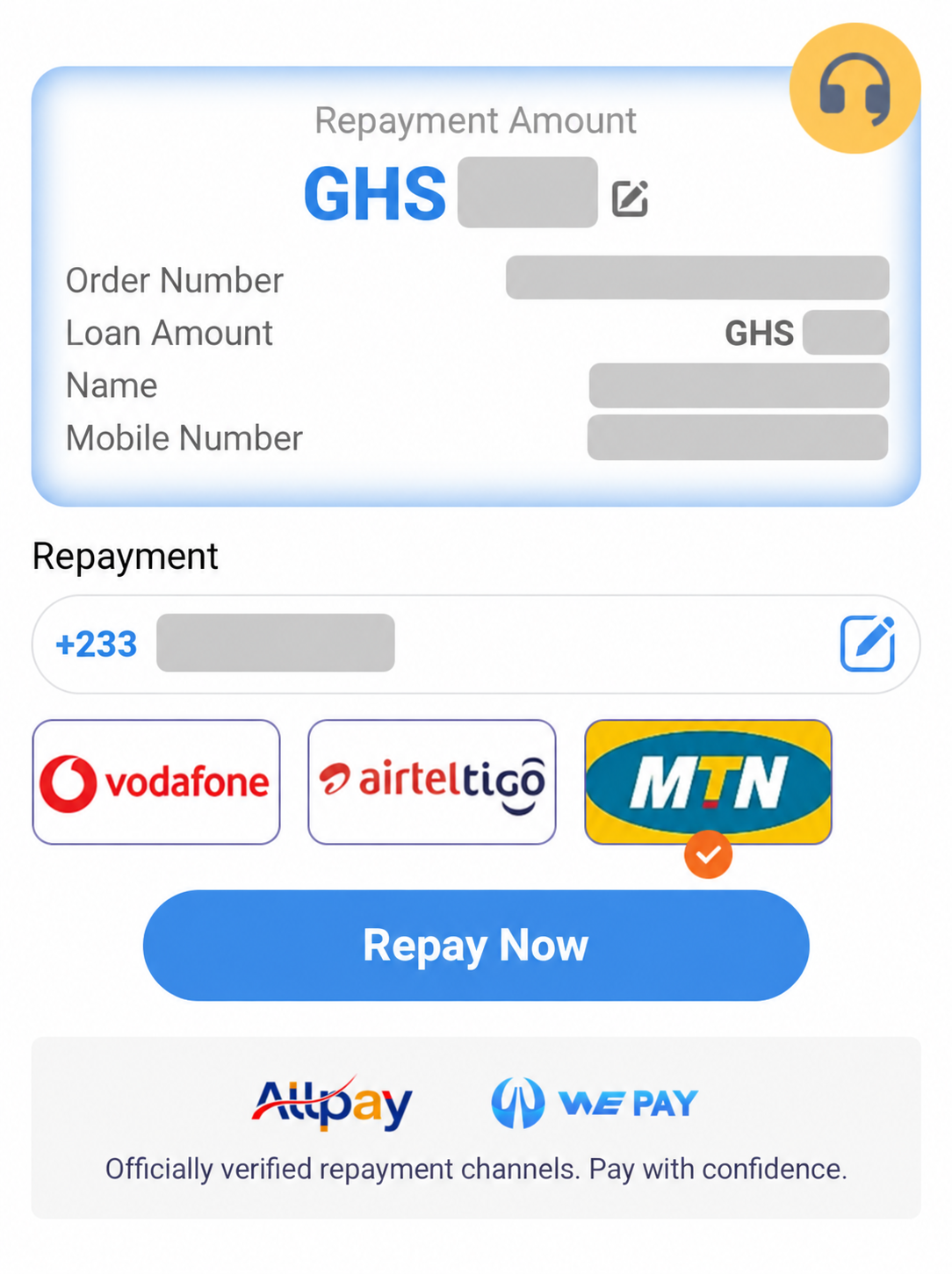
Repayment video guides
Watch the AllPay and WePay tutorials below. These tabs only switch videos, not your payment channel.
AllPay video examples
These videos show three different repayment flows. Watch the example that matches the payment screen you see.
This video is unavailable. Please reply to your feedback conversation in the app for help.
The video could not load. Please check your connection and try again.
Steps shown in this video
Example only. Do not pay the accounts shown in the videos. Use the amount and recipient details on your current payment page.
Check your repayment
Before paying
Check the repayment amount and recipient details on your current payment page.
After paying
Keep your transaction receipt and check the repayment status in the app.
If the status has not updated
If your wallet has already been debited, contact support before trying another payment.
After watching, return to your current repayment page.